
更智能的文件加密与分享方式
safedrop.space 是您首选的文件安全存储工具,让您轻松将任何文档、照片或数据嵌入到图片中,采用先进的安全存储技术且毫无可见变化。
不仅如此,借助内置提取器,您可以立即从图片中取回并下载原始文件,无需复杂工具或密钥。


文件离线处理
隐私是我们的首要任务,文件存储的全过程完全在您的设备上进行,文件不会上传到服务器。我们还支持使用 Python 包进行文件存储。
通过加密提升数据安全
您所有的内容都使用先进、业界标准的混合非对称加密(RSA 与 AES)进行保护,确保您的数据在每个环节都保持私密、安全、受保护。

支持所有主流文件格式
安放支持 Word, Excel, PowerPoint, PDF 以及更多格式。




深受专业人士信赖
看看用户如何评价他们使用安放的体验。
"好用的,解决了燃眉之急"
yiyitax
咨询/管理服务
"不错,不用手打了"
Qweqwe2025
电子商务/互联网
"给个好评吧,虽然不明白里面是怎么做的但是能用"
Llran
法律服务
常见问题
未登录的用户是访客身份,因为没有账户信息,所以无法绑定图片至账户以控制读取权限。因此任何访客获得其他访客存放的图片后,均可使用本工具读取其中的文件。如果想限制读取权限,请登录账户后进行存放,这样生成的将自动绑定到当前账户,仅该账户可以读取。
当然可以。选择文件时选中多个文件即可。也可以拖拽多个文件进行添加。所有文件都会在经过加密后存储进图片中。
不会。在【存文件】页面,所有操作都在您的电脑本地执行,没有任何文件上传到服务器。在无法使用浏览器的场景下,我可以使用我们的 Python 包将文件安全存储进图片。
常见的发送方式有:邮件、微信、飞书、钉钉等通讯软件,或网盘、图片网站上传等。许多软件支持保存草稿功能,可以在电脑端添加安放图片到草稿,再在手机端把草稿中的图片保存下来,这样不需要发送也可以获取图片。
不能。您登录账号后存储的图片只有该账户可以读取。安放 Safedrop 为您的文件安全提供多重保护。一、安全存储后的图片外观无变化,不会引起注意;二、在安全存储前,您的文件均经过行业标准的 RSA 和 AES混合加密处理,即便有人想要暴力破解也无法读取其中的内容。多重保护为您的数据隐私保驾护航。
请检查图片在传输过程中有没有被压缩或转换。最简单的检查方法是查看图片的文件属性,查看上传的图片的文件大小,确保与安全存储后生成的图片大小一致。
博客

安放图片的常见传输方式
查看常见传输方式及常见问题的解决方法

大隐隐于市:图片比保险箱更安全
在数字世界里,我们经常把最重要的资产——银行账户恢复码、加密货币助记词、核心账号的主密码——放进标着“重要文档”的文件夹,或者打成一个名为 `密码.zip` 的加密压缩包。我们以为“加密”就是安全。但现实是:越是强调保护的东西,越容易引起注意。

把备份放在图片里:为什么隐形存储比以往更重要
大多数云平台对图片都“不设防”,但只要是文档、压缩包、备份文件,就会特别显眼。
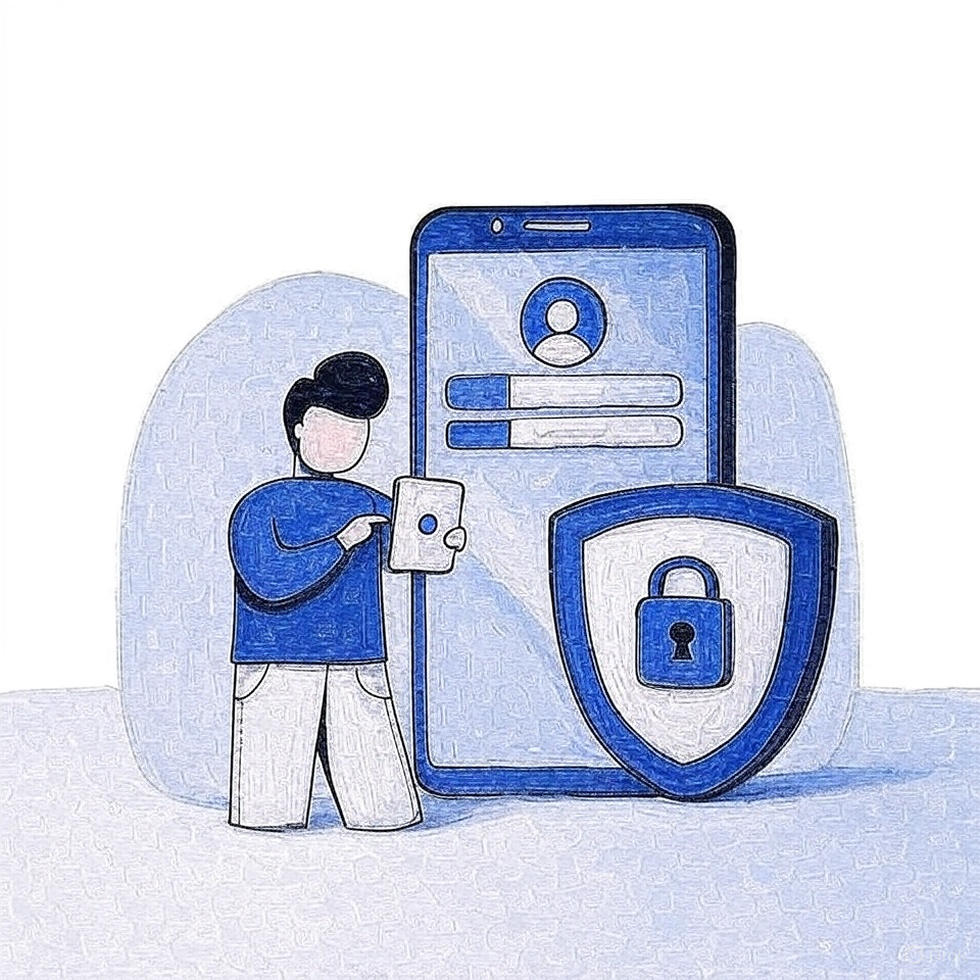
提了离职才知道的事:防社死经验之谈
离职这件事如果没处理好,分分钟翻车。今天来分享几条离职避坑指南,都是我或身边同事亲身踩过的坑👇

在不引起注意的情况下安全传输文件:为什么传统加密并不够
在现代工作和生活中,安全传输重要文件已经不仅仅是加密的问题。很多人认为,只要给文件加上密码,或者放进 ZIP、RAR 文件,就可以安心发送。然而现实却更复杂:传统加密文件本身就很醒目。邮箱、聊天工具、甚至公司网络系统都会对 ZIP、RAR、密码保护文件进行标记、限制或拦截。对于非技术用户,看到“加密文件”甚至会感到困惑或戒备。
防止日常窥探,如何让隐私保护变得轻而易举
在我们的日常生活中,很多人可能会觉得自己不需要“高级加密工具”或者“隐私保护软件”,因为他们认为黑客和网络攻击才是威胁。然而,现实情况往往比想象中更贴近生活——你最需要防护的,可能是身边的人:室友、家人、同事,甚至临时借用你电脑的朋友。